

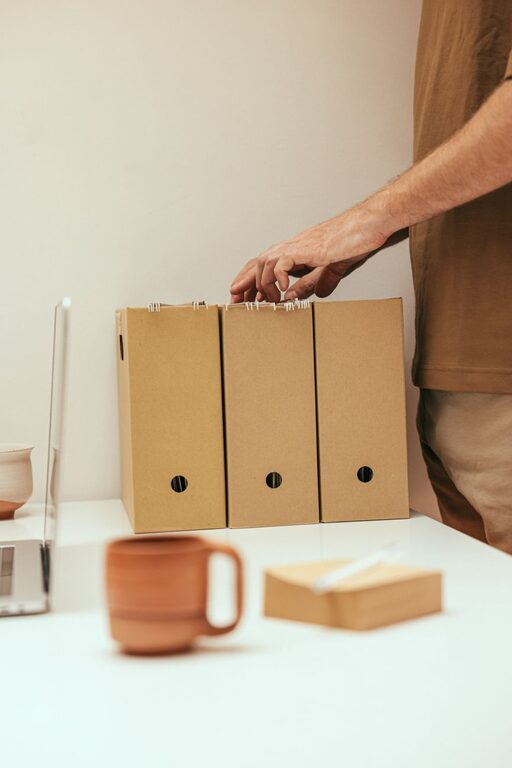
Keeping your computer files organized can make a huge difference in your productivity and peace of mind. Whether you work from home, manage personal documents, or simply want to avoid a cluttered desktop, developing a system for file management is essential. In this guide, we’ll cover practical tips to help you organize your files efficiently and maintain a tidy digital workspace.
Why Organizing Files Matters
A well-organized file system saves time and reduces stress. When files are easy to find, you avoid frustration and can focus more on your work or projects. It also helps with backups and sharing files with others when needed.
Start with a Clear Folder Structure
The foundation of good file organization is having a clear and logical folder structure.
1. Use Broad Categories
Create main folders based on broad categories such as:
– Work
– Personal
– Finances
– Photos
– Projects
Using broad categories simplifies navigation and prevents having too many folders at the top level.
2. Break Down into Subfolders
Within each main folder, create subfolders for more specific topics or dates. For example, inside “Work,” you might have subfolders like:
– Reports
– Presentations
– Meeting Notes
Subfolders help keep related files together and make browsing easier.
Name Files and Folders Clearly
Clear and consistent naming is key to finding files quickly.
Tips for Naming Files
– Use descriptive names that reflect the content (e.g., “Budget_Report_2024.xlsx” instead of “Document1”).
– Include dates in a year-month-day format for easy sorting (e.g., “2024-06-15_Invoice.pdf”).
– Avoid spaces and special characters; use underscores or hyphens if needed.
Naming Folders
Apply the same principles to folder names. Consistency helps you recognize folders at a glance.
Delete Unnecessary Files Regularly
Over time, your computer collects duplicate or outdated files. Regularly delete files you no longer need to prevent clutter.
– Set monthly or quarterly reminders to clean up your files.
– Empty your recycle bin or trash after deleting files.
Use the Desktop Sparingly
The desktop is often the first place where people save files temporarily. However, a cluttered desktop can make it difficult to find things and slow down your computer.
– Store files in your folders instead of leaving them on the desktop.
– Use the desktop only for files you are actively working on, and clear it regularly.
Take Advantage of Search and Tags
Modern operating systems have powerful search features. You can also tag files with keywords to make them easier to find.
– Use tags or labels for files that fall into multiple categories.
– Regularly update tags to reflect the content or project status.
Backup Your Files
Organizing files is vital, but so is protecting them. Backing up your data ensures your files are safe in case of hardware failure or accidental deletion.
– Use an external hard drive or cloud storage services.
– Schedule automatic backups when possible.
Use File Management Tools
If you have many files to manage, consider using file management tools or apps that help with sorting, duplicating finding, or batch renaming.
– Examples include file explorer enhancements or dedicated software.
– Many cloud storage providers offer built-in organization tools.
Create Templates and Standard Workflows
For files you create regularly, such as reports or invoices, create templates with standardized naming and folder locations.
– This reduces confusion and saves time.
– Keep templates in a dedicated folder for easy access.
Summary: Tips for File Organization
- Create a clear folder hierarchy.
- Use descriptive and consistent file names.
- Delete unnecessary files regularly.
- Limit desktop use for temporary files.
- Utilize search and tagging features.
- Backup files frequently.
- Consider file management tools.
- Use templates for recurring tasks.
By following these tips, you’ll maintain a clean and efficient digital workspace. This helps you stay organized, find files quickly, and focus on what matters most.
—
Organizing files may take a bit of time upfront, but the benefits are long-lasting. Start with small steps and build a system that works for your needs. Your future self will thank you!